I will tell you my recent experience with a similar issue. As far as I know, it is not yet working properly the installation of modules from command line. But for a project, we have find a workaround that perhaps helps you:
we install SNAP and the desired plugins using SNAP Desktop and then we save the modified files in the .snap folder (if I am not wrong and you are working on Linux, only the folder .snap/system is needed). In the docker image, we make the installation of SNAP and then we merge the .snap folder with the previous one created. Finally, we use the command in order to update the modules.
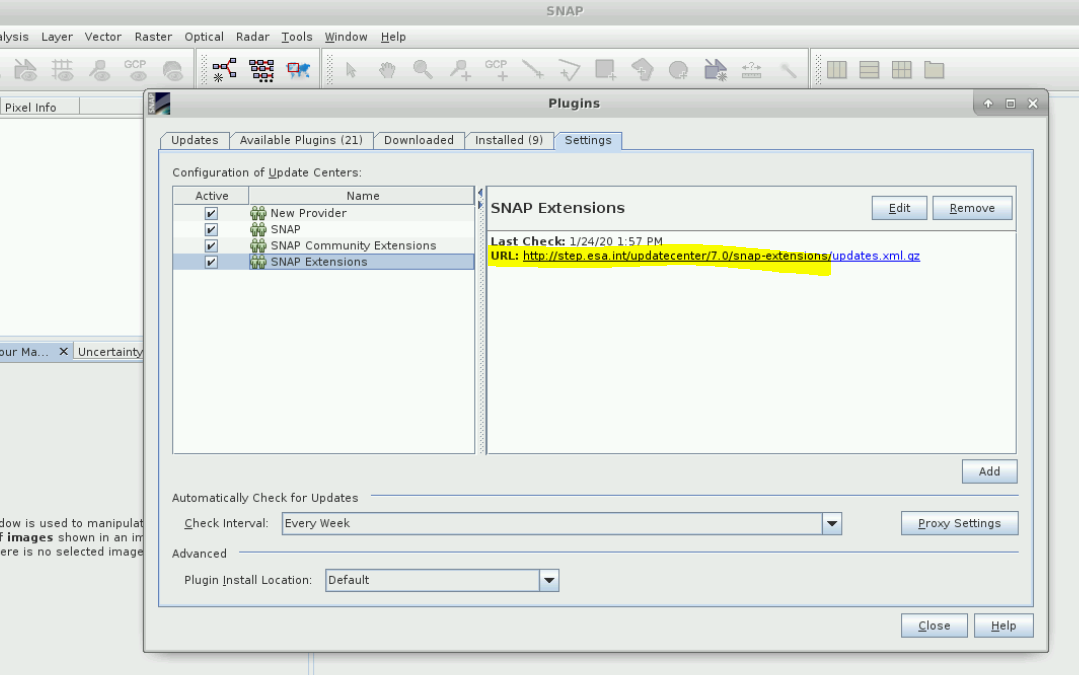
Finally another tip, if you want a specific nbm without any modification, you don’t need to generate it by yourself, you can directly download it manually from the update center (you have the URL in SNAP).