@marpet A follow up on my issue. I am trying to mannually download the most recent versions manually. Based on this other post, where I got the idea. My approach is so far:
- Go to
Plugins -> Updates, I can see the ones I need to update. For example, theSentinel-1 Toolbox Kit Moduleneeds to update the plugins higlight in red (if I am not wrong).
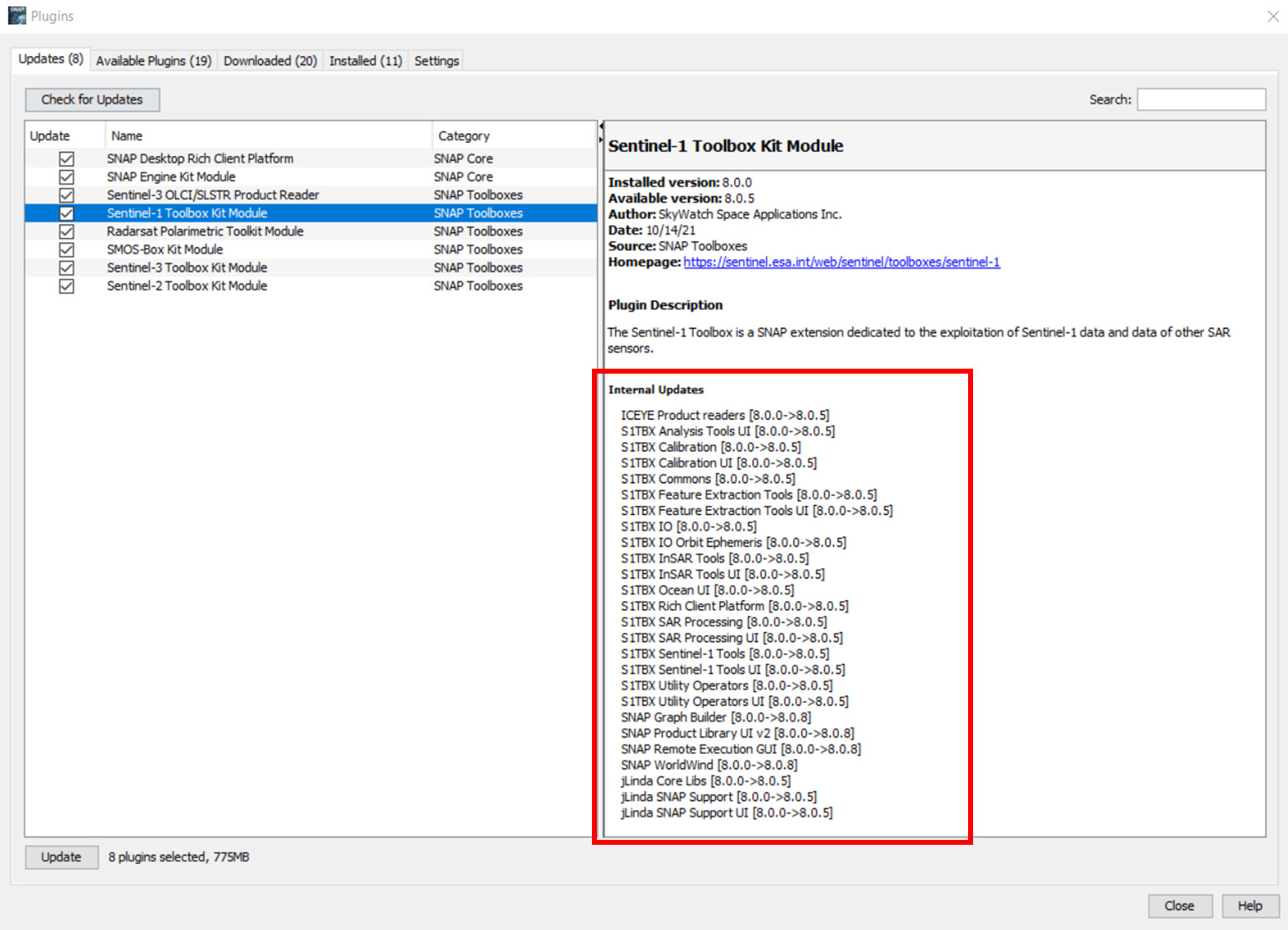
-
To download them manually, I go to Index of /updatecenter/8.0. I find them and download them one by one.
-
Once I have them as local files, in the
Downloadedtab I click onAdd Plugin, navigate to the folder where I have them (in my case the Downloads folder in my PC) and select them.
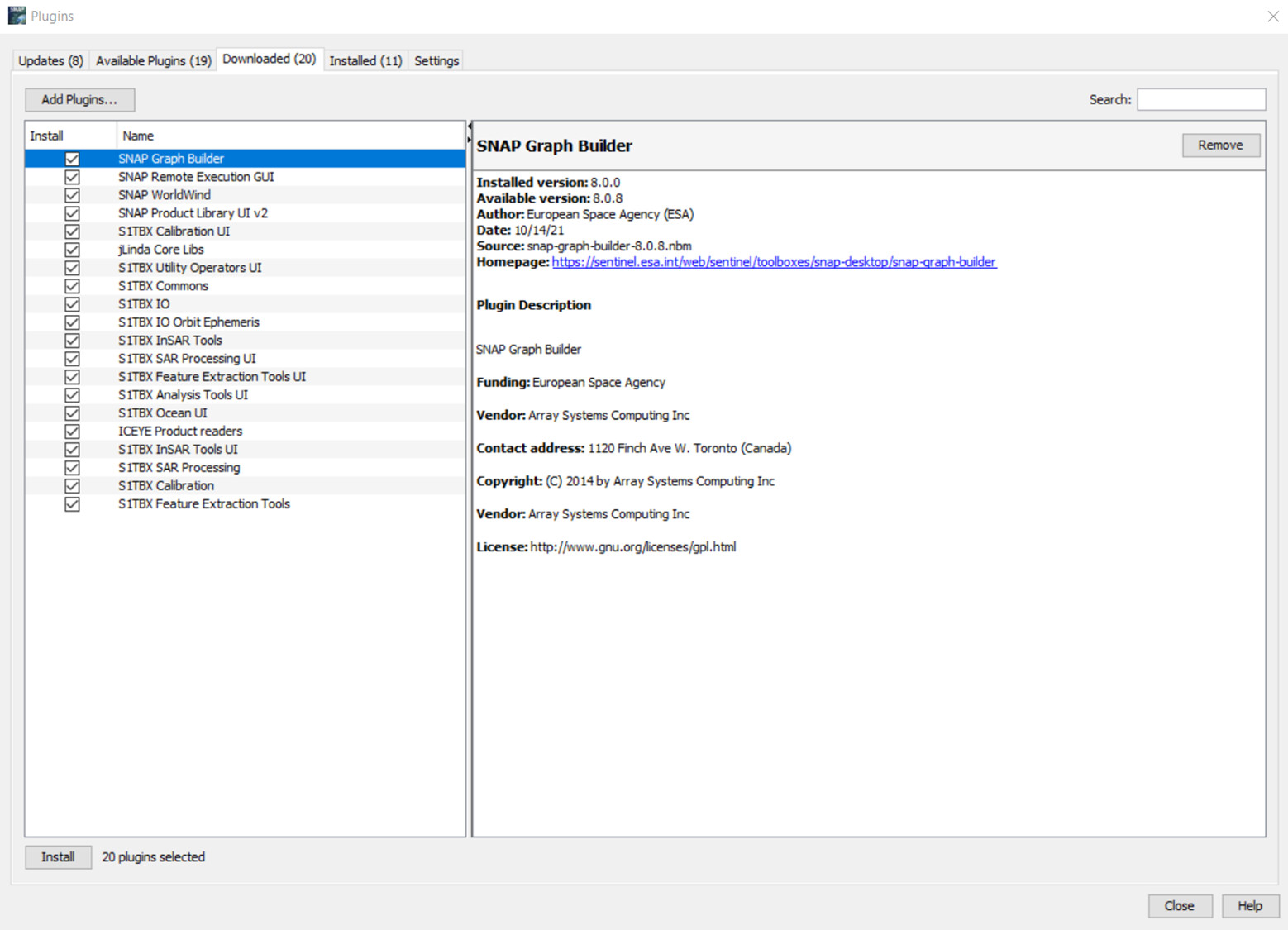
- Next I click on
Install. My surprise is that after that, SNAP still tries to download some others (I guess dependencies?)
My question: Is this approach to manually download and install the latests version correct? Am I missing something? Should I put the downloaded files in the …/AppData/ folder? Can I delete the downloaded files after installed?
Thanks
should i put them in appdata?