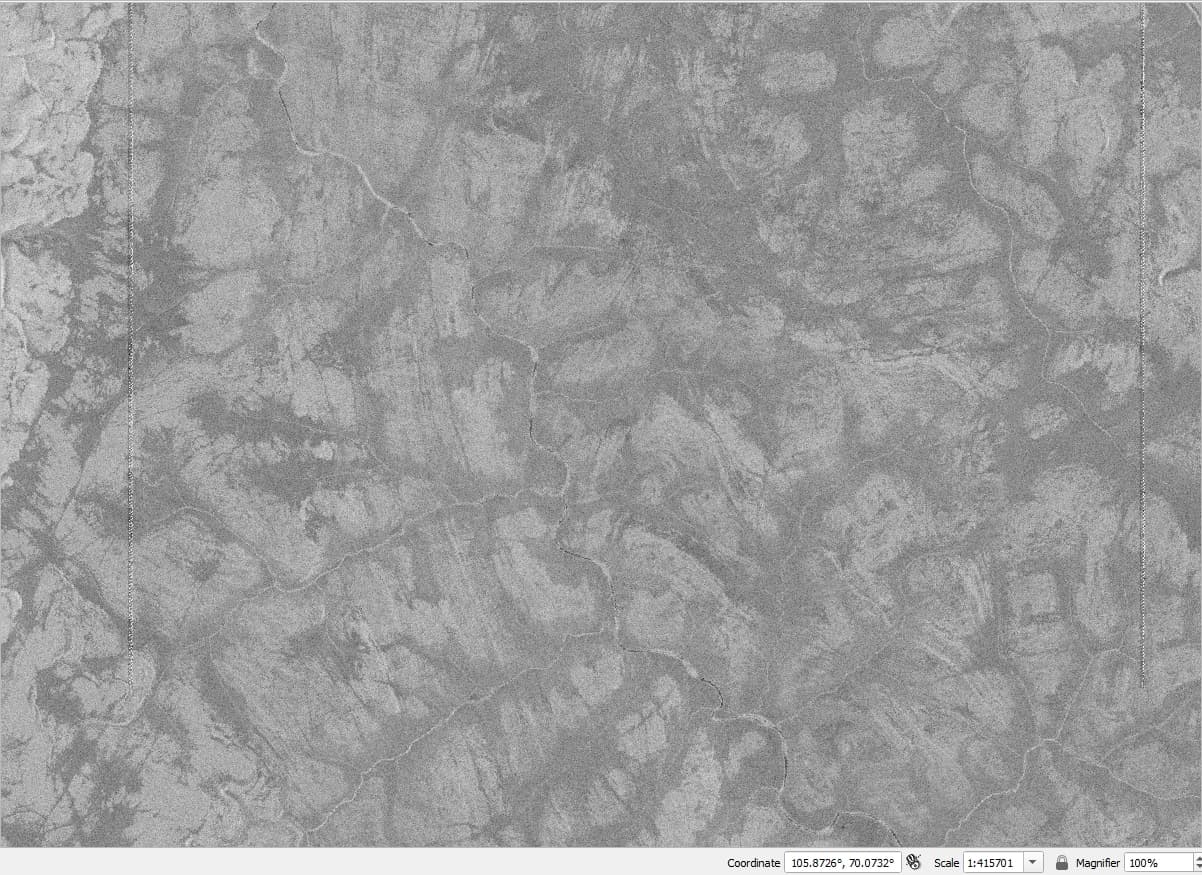
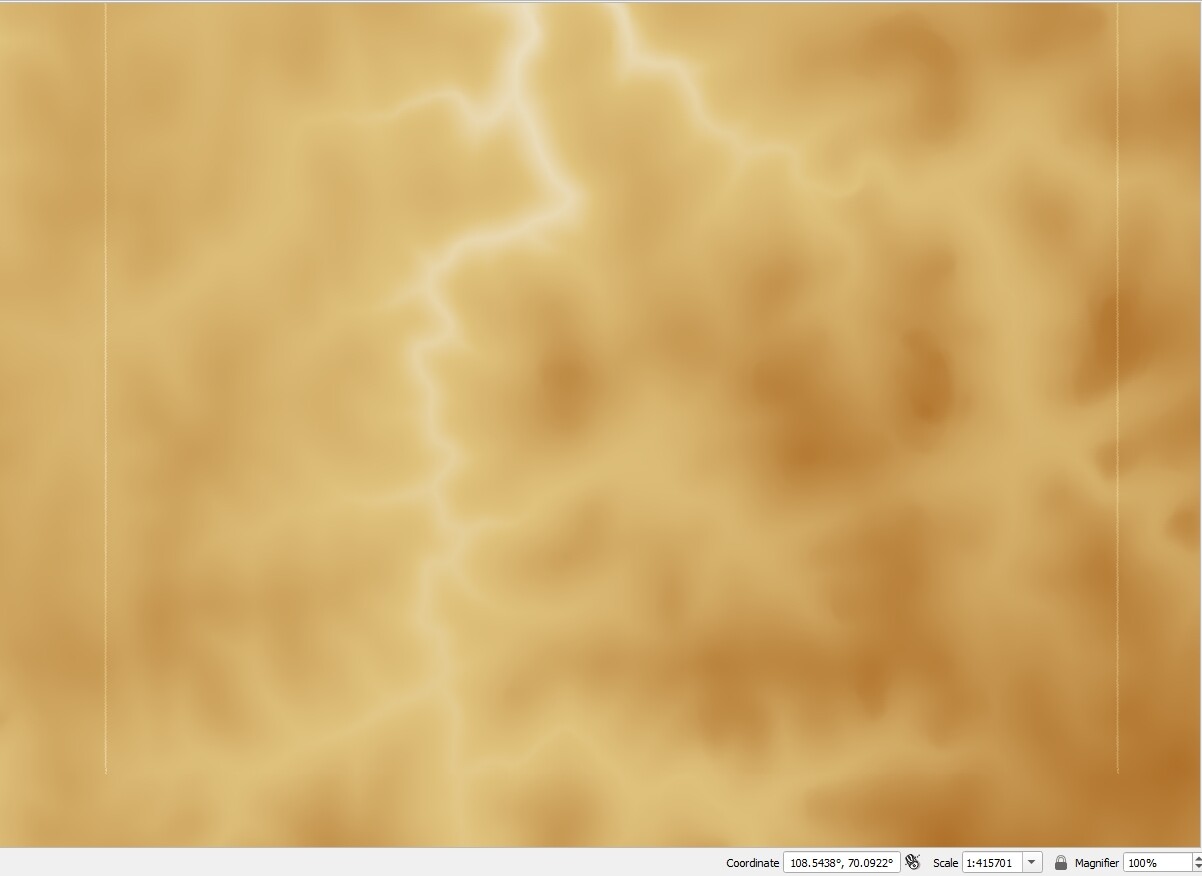
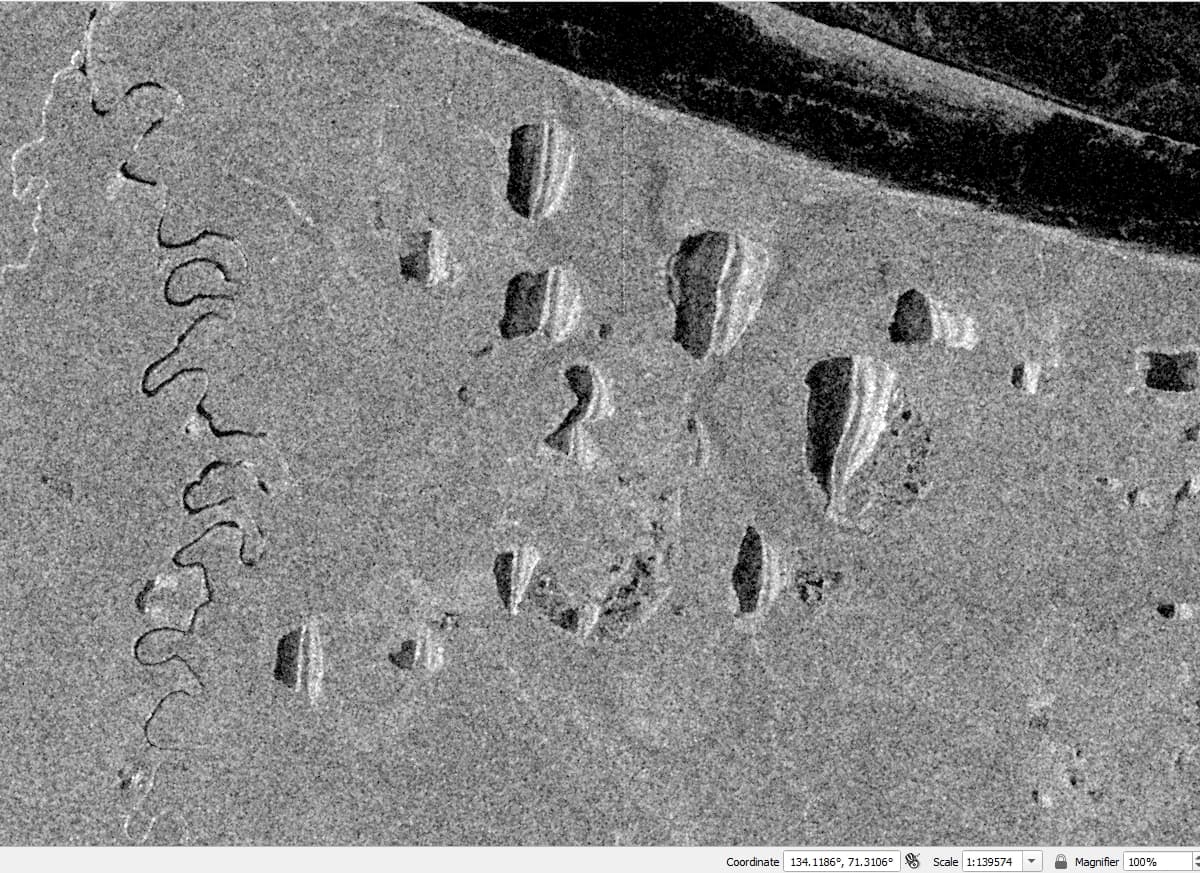
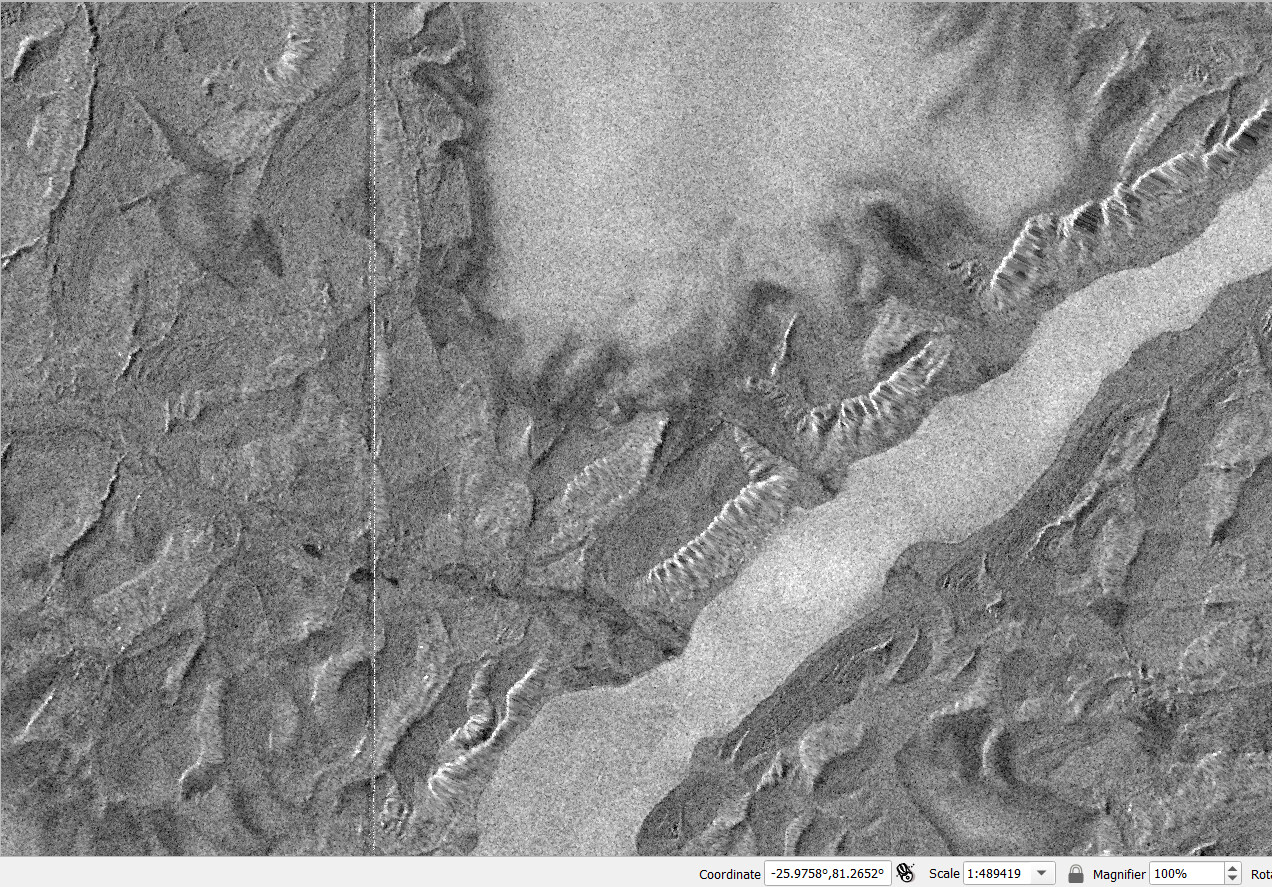
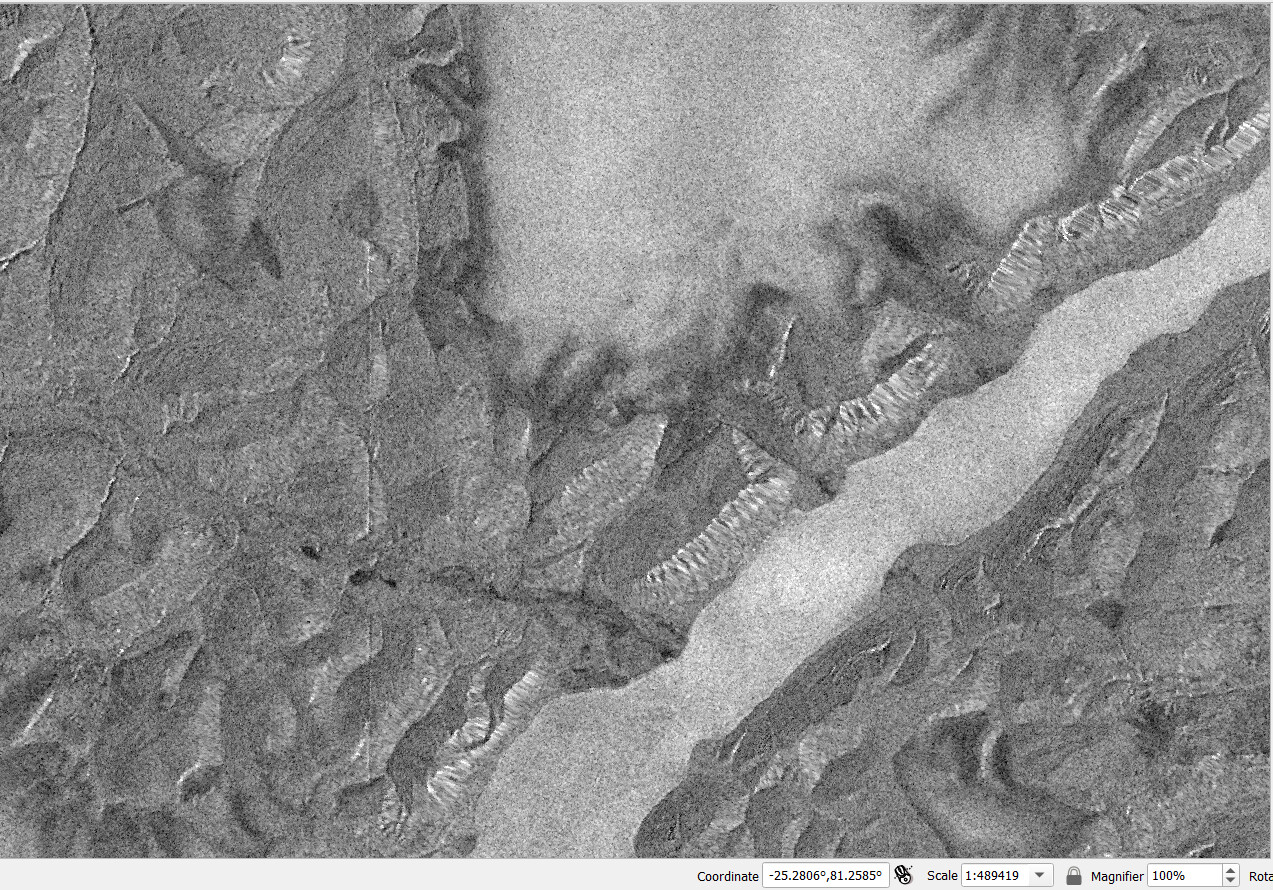
Secondly, they appear only higher that 70 degrees north latitude. As far as I seen, everything to the south of 70 degrees is fine. Maybe artefacts reappear after 70 degrees south latitude, didn’t checked it.
Third, it happens with both 90m Copernicus DEM product and 30m one. With 30 m its a bit less noticeable, but still there. Changing resampling method also helps a little bit, but does not resolve the problem.
Forth, I checked generated DEM in Terrain Correction procedure and it present there.
It also have to be noted that as in mentioned above topic, It was not an issue in SNAP version 8.
So I guess the solution, that was implemented in SNAP 10 patches did not affected mosaicking and resampling for DEM tiles of these Arctic areas, maybe because northern than 70 degrees pixel size changes and current version does not takes it onto account.
Hi, I checked new release of SNAP and tried to process several scenes across the Arctic. As you can see on screenshots, situation with artefacts got better, but they are still noticeable, unlike in much older version of SNAP 8 or 9 (where they are not present at all). Is it possible to improve current state of processing? Scene ID of provided example is S1C_IW_GRDH_1SDH_20250504T092254_20250504T092323_002179_004A14_D221