Hello,
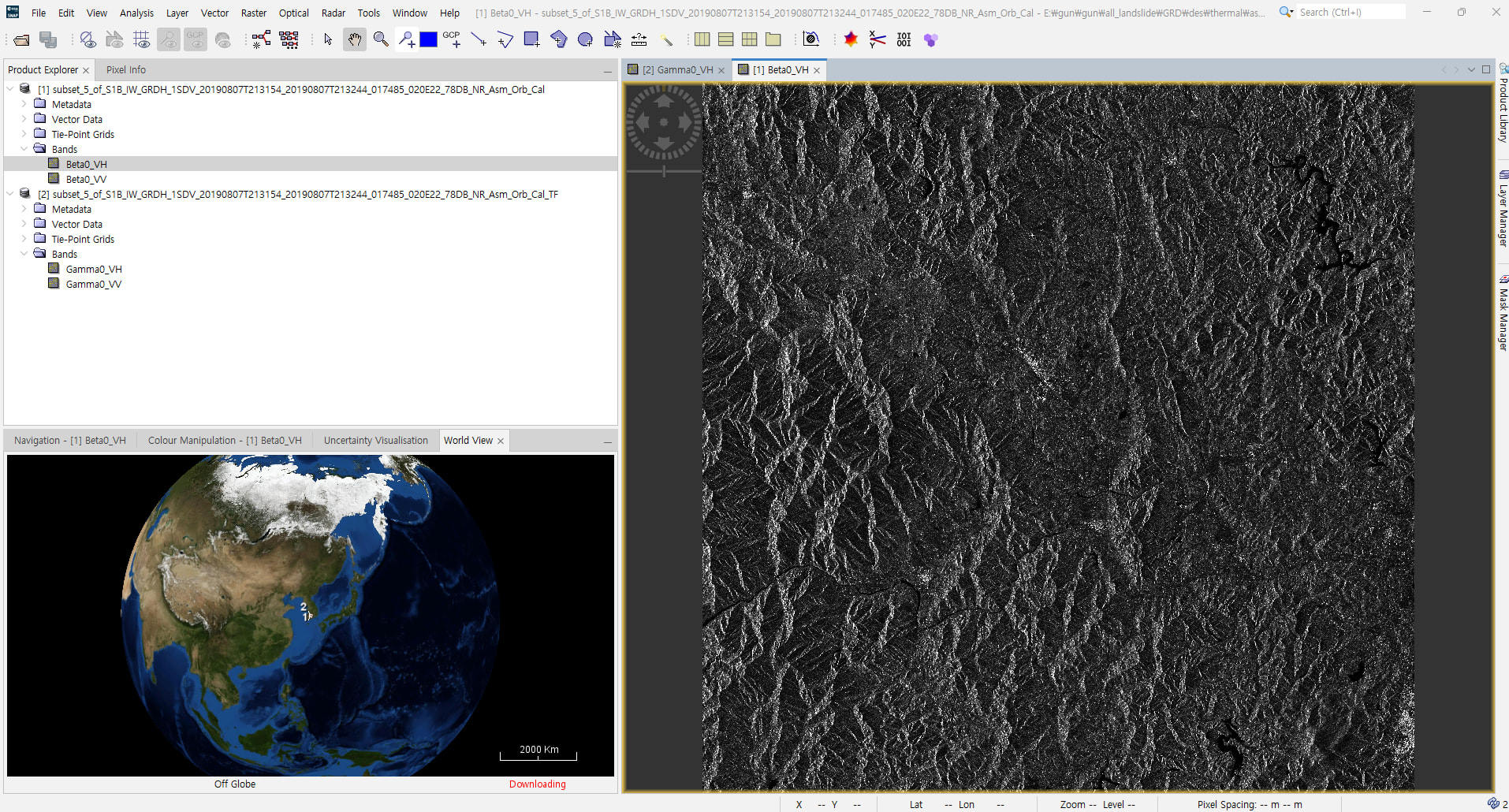
I am trying to detect landslide-affected areas using Sentinel-1 GRD data. I am currently using SNAP 13.0.2.
Below is the preprocessing workflow I have followed:
-
Thermal Noise Removal
-
Remove Border Noise
-
Slice Assembly
-
Apply Orbit File
-
Calibrate (in this step, I generated Beta0.)
-
Terrain Flattening (in this step, I generated Gamma0. I used the Copernicus 30 m DEM.)
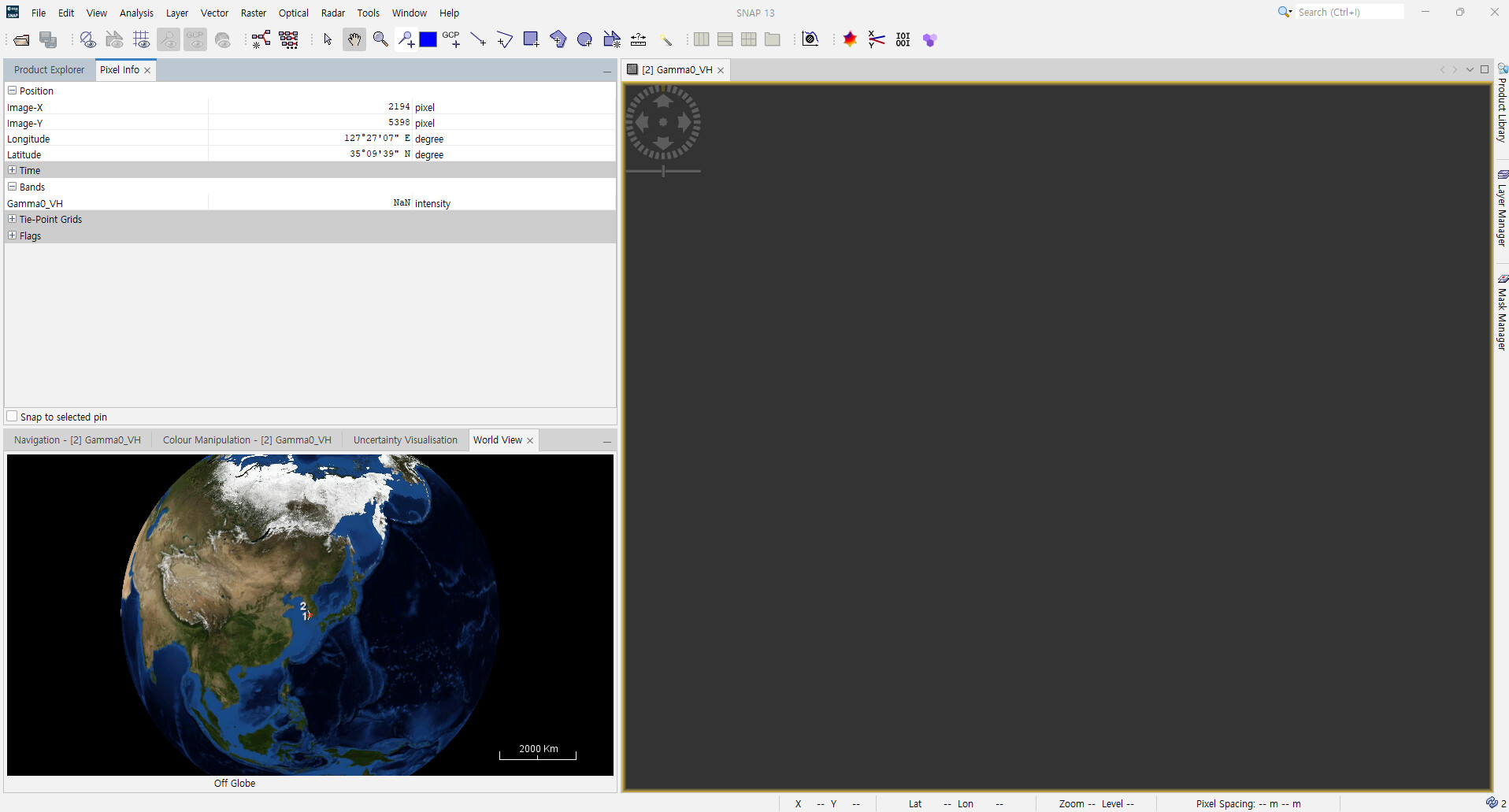
However, when I check the output from step 6 (Terrain Flattening), the pixel values shown in Pixel Info are NaN. Could you please advise how I can resolve this issue?
I also have a question out of curiosity: in step 5 (Calibrate), there is an option to output a Gamma0 band. Is that Gamma0 different from the Gamma0 produced by Terrain Flattening?
When I read other papers, I sometimes see that studies used Beta0 for landslide detection. However, isn’t it more effective to use Gamma0 in mountainous areas?
Thank you
Performing the steps in this order has always been working well for me:
Apply-Orbit-File → Remove-GRD-Border-Noise → Calibration → ThermalNoiseRemoval → SliceAssembly → Terrain-Flattening.
Does that help in your case?
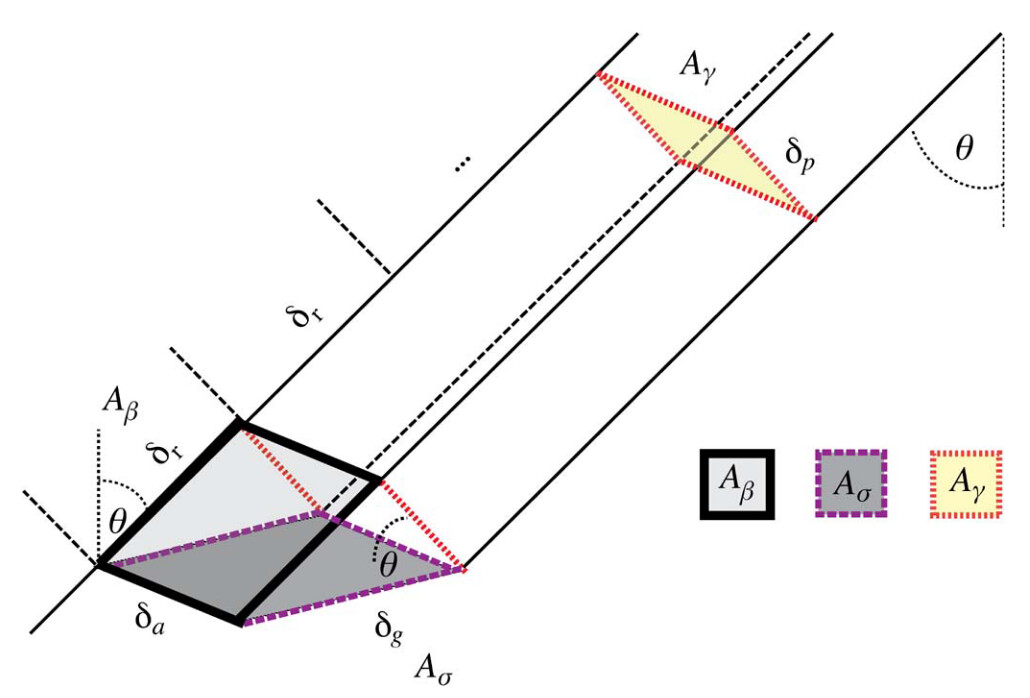
Calibrating to Gamma0 during calibration just changes the normalization area but does not apply terrain flattening.
See this figure of https://doi.org/10.1109/Tgrs.2011.2120616:
For mountainous areas terrain flattening is definitely a good idea.
Thank you very much for your response.
Even when I skip the noise removal steps and process a single scene using Apply Orbit → Calibrate (generate Beta0) → Terrain Flattening, I still get the same NaN pixel values.
Strange. Can you post the name of the GRD product?
The GRD file name is S1B_IW_GRDH_1SDV_20190702T213151_20190702T213216_016960_01FE9A_85B8.zip.
Additionally, I ran the same workflow on another computer using the same SNAP version and it worked normally. In that case, should I consider this to be an issue with SNAP on my computer?
It seems there might be an issue with the computer I’m using. When I downgraded from SNAP 13 to SNAP 12 and ran the workflow, it worked normally.
Hi there,
I had similar issue and a Jira ticket has been opened
Consider that the problem is when you update SNAP 13.0.2. If you don’t do the update, it will work fine as usual.
Salvatore
1 Like
A fix for this issue is included in Microwave 13.0.3. Please update SNAP to this version.
2 Likes