Recently I tried to do SBAS-INSAR with SNAP+Pyrate but stopped at the Export to Pyrate.
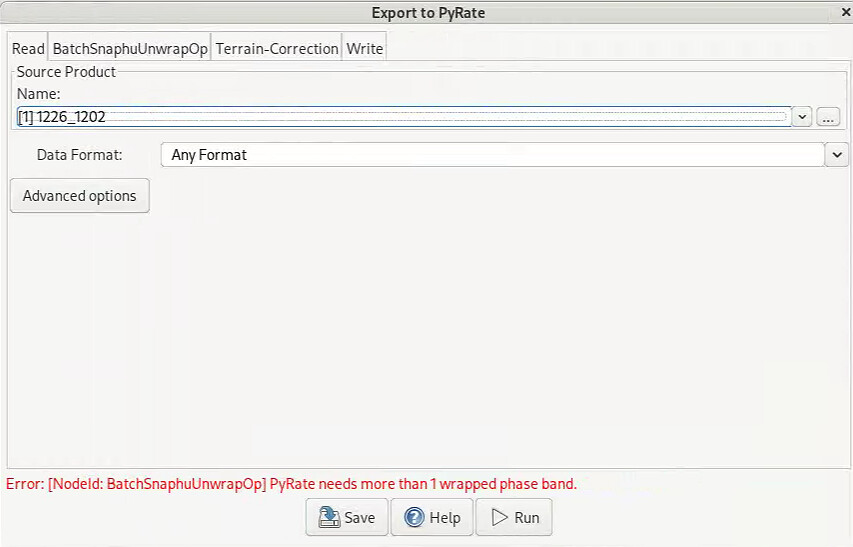
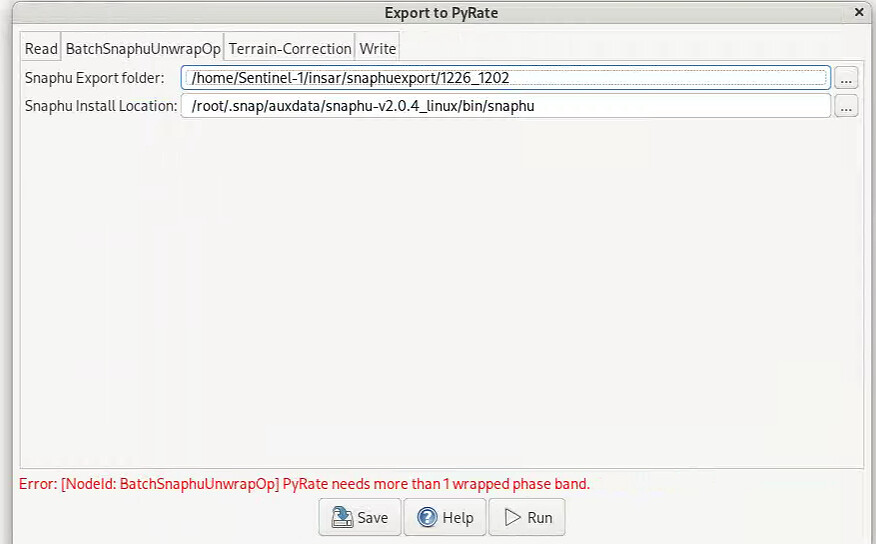
I don’t know what kind of data need to be selected in Read
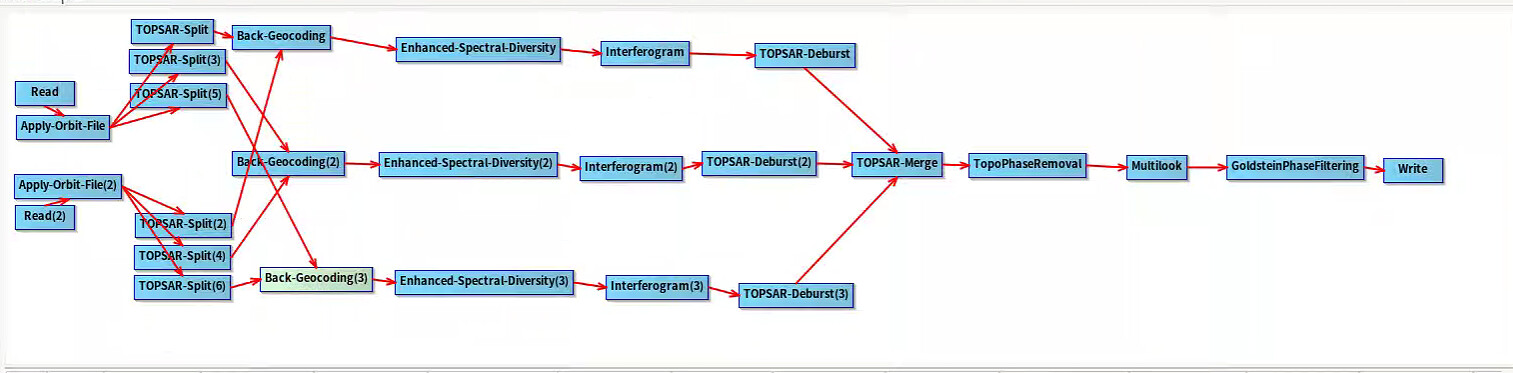
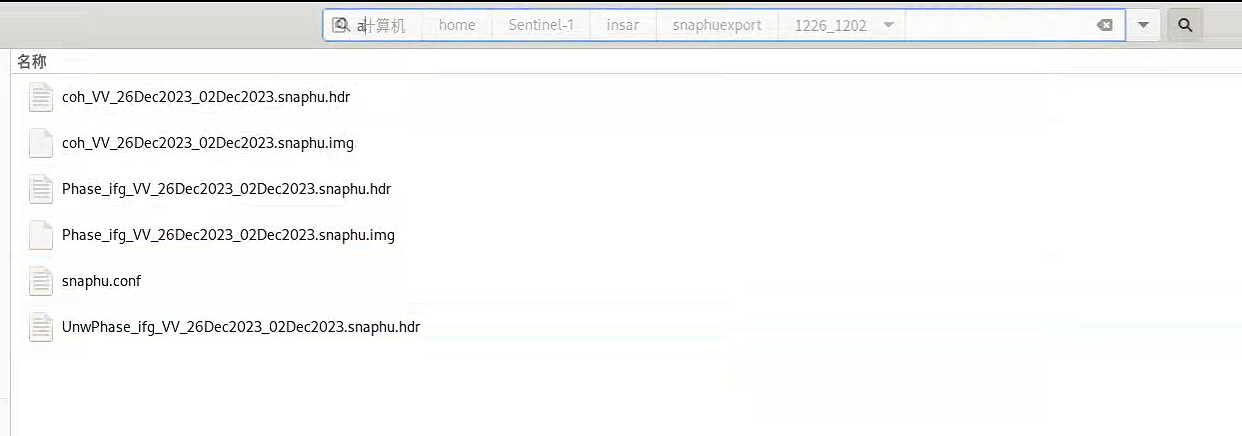
This is the process I got 1226_1202,and this’s snaphu export floder
Recently I tried to do SBAS-INSAR with SNAP+Pyrate but stopped at the Export to Pyrate.
I don’t know what kind of data need to be selected in Read
In your case, you have two products that produce one interferogram using the graph above while the BatchSnaphuUnwrapOp operator expects multiple interferograms. I think you can use Snaphu Export / Snaphu Unwrapping / Snaphu Import operators instead. For details, you can follow the steps given in tutorial https://step.esa.int/docs/tutorials/S1TBX%20Stripmap%20Interferometry%20with%20ERS%20Tutorial.pdf
I have seven products and produce six interferograms but it seems like only can read one interferogram in Read, do I need to merge them somewhere?
Hey guys,
I am currently trying to export to Pyrate a stack with 3 interferograms but unfortunately I am missing a file that should be generated by Export to Pyrate, i.e., *mli.par. As anyone here ran into the same problem? Why is this not being generate?
It would also be interesting to here your opinions about Pyrate.
I am currently using SNPA 12. I have encountered some difficulties while unwrapping the interferograms. The snaphu-unwrapping and snaphu-importing didn’t work. I had to go around it.
Cheers,
Hey @jun_lu and @diana_harosa
Could you please take a look at my previous post?
Is there any particular reason why I am not getting the DEM.par file from pyRate Export tool?
Cheers,
Yeah, I’ve run into that before the missing “mli.par” usually happens due to an incomplete export or a path issue in SNAP. Beside this pyrate can be great once everything’s set up right, but getting there can be a bit tricky. Good call finding a workaround for the unwrapping
One thing that helped me was making sure all interferograms had consistent projection and metadata before exporting to PyRate. Even small mismatches in naming or geocoding can cause PyRate to skip files or fail later in the workflow. Running a quick validation on the exported stack first can save a lot of debugging time.