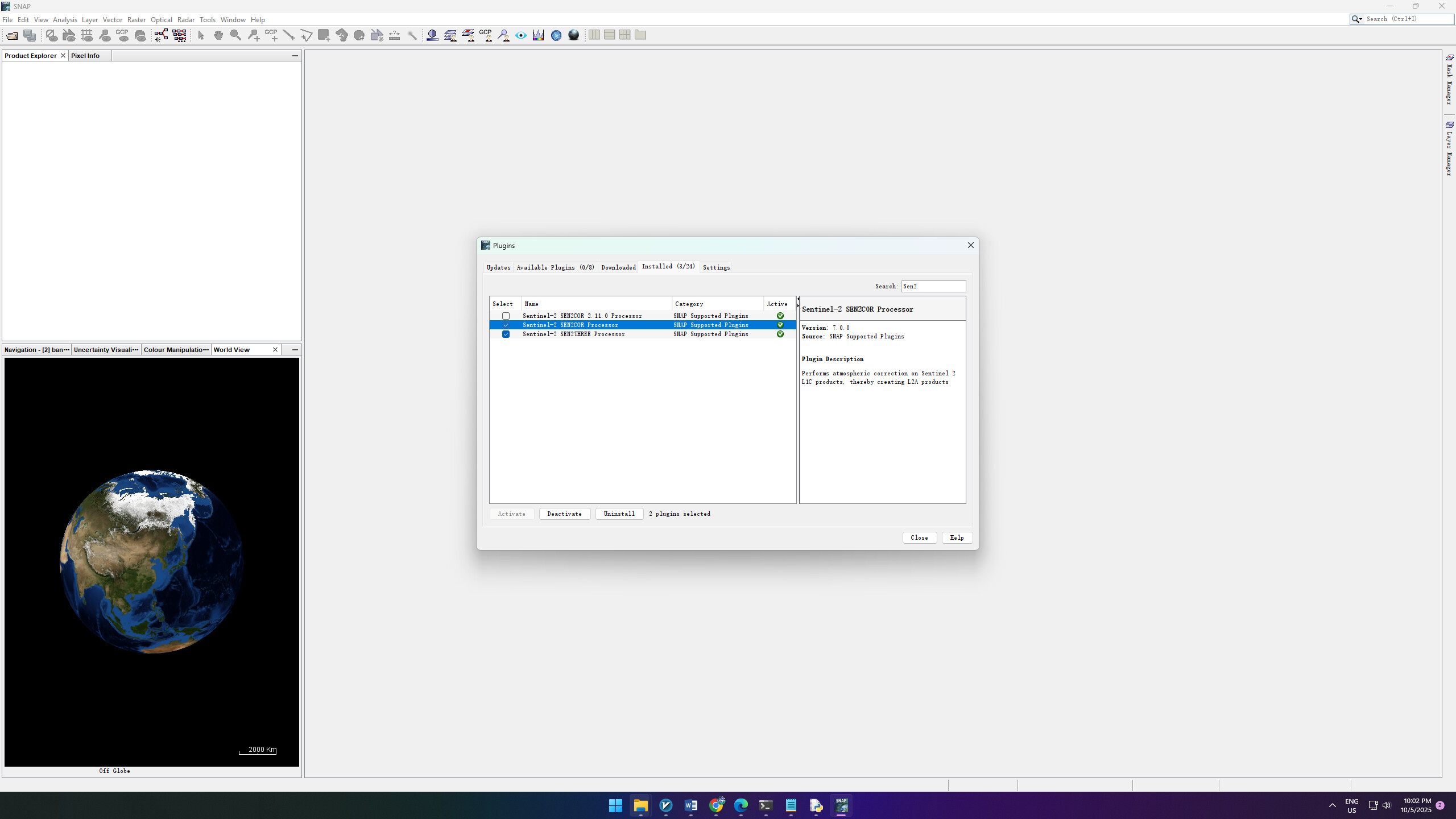
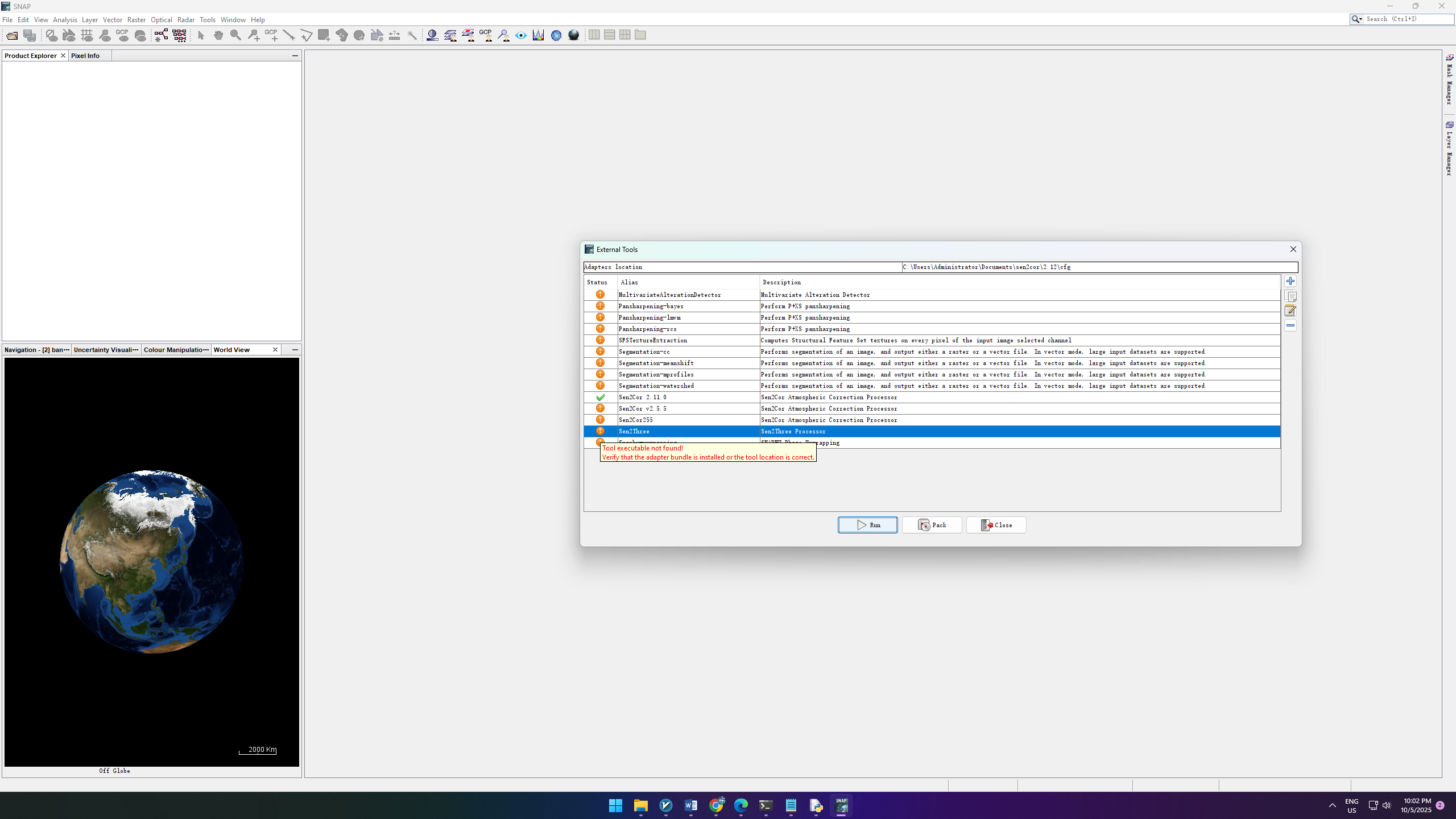
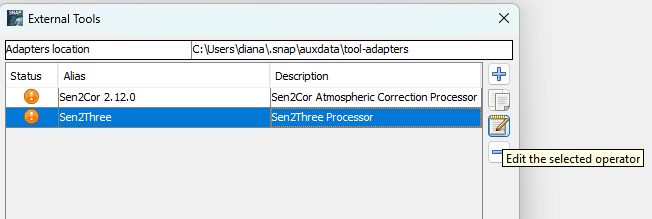
I have tried to install sen2three but am stuck. I hope to get some help figuring this out.
I have installed Anaconda to my user directory and ran in a command prompt from the Anaconda directory and receive:
PS C:\Users\acidjazz\Anaconda2> python
python : The term ‘python’ is not recognized as the name of a cmdlet, function, script file, or operable program.
Check the spelling of the name, or if a path was included, verify that the path is correct and try again.
At line:1 char:1
- python
-
  + CategoryInfo          : ObjectNotFound: (python:String) [], CommandNotFoundException
  + FullyQualifiedErrorId : CommandNotFoundException
Suggestion [3,General]: The command python was not found, but does exist in the current location. Windows PowerShell does not load commands from the current location by default. If you trust this command, instead type: “.\python”. See “get-help about_Command_Precedence” for more details.
PS C:\Users\acidjazz\Anaconda2> .\python
Python 2.7.13 |Anaconda 4.4.0 (64-bit)| (default, May 11 2017, 13:17:26) [MSC v.1500 64 bit (AMD64)] on win32
Type “help”, “copyright”, “credits” or “license” for more information.
Anaconda is brought to you by Continuum Analytics.
Please check out: http://continuum.io/thanks and https://anaconda.org
This is different from the install instructions which say “python” should be run from c:>
Regardless, I run the python command in the sen2three-1.1.0 folder to install sen2three but I get an error:
PS C:\Users\acidjazz\Anaconda2\sen2three-1.1.0> python setup.py install
python : The term ‘python’ is not recognized as the name of a cmdlet, function, script file, or operable program.
Check the spelling of the name, or if a path was included, verify that the path is correct and try again.
At line:1 char:1
- python setup.py install
-
  + CategoryInfo          : ObjectNotFound: (python:String) [], CommandNotFoundException
  + FullyQualifiedErrorId : CommandNotFoundException
Any ideas would be welcome!