Probably there’s another topic in the same regard, sorry for repeated the matter in any case will deleted if so occurred.
The SNAP- 13 getting interrupted while processing, I never experience such as issue in any previous SNAPs’ releases. SNAP is installed based on win 11 pro.
Thanks for prompt reply, there’s no message loge it’s vanished in total, and related to process, it’s simple graph of calibrated to sigma0, including speckle filtering , thermal noise removal, and TC, for VH, VV, S1. It’s worth mentioning previously same has happened with ALOS-2 1.1, I was thinking it’s RAM issue, but later the process is done.
I reinstalled it once more , and I’ll update you.
And let’s do it all in one, step by step, Why unknown publisher? Possible getting something related to this issue or/and another?
After reinstalling SNAP and reapplying the same processing graph, I observed the following issues:
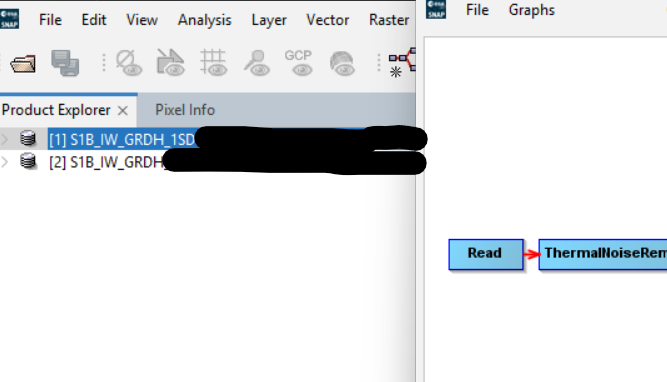
First: When a new product is loaded into the Product Explorer and the graph is reopened, the Product Explorer displays an older image. As shown in the screenshot below, only the first product remains open instead of the newly loaded one.
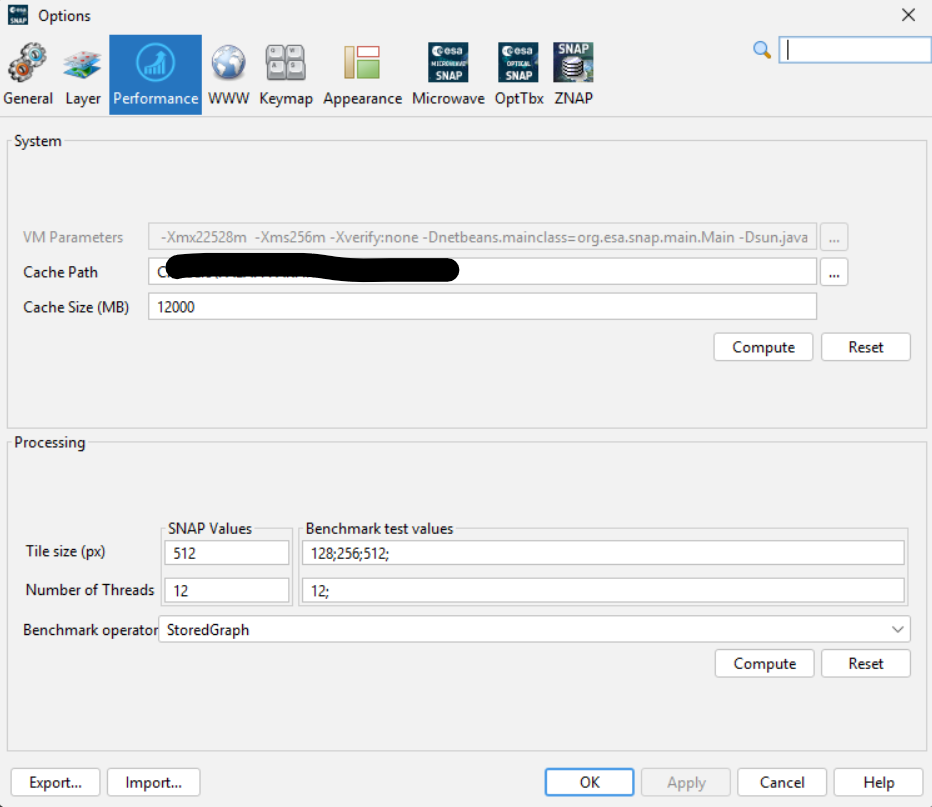
Second: RAM usage continues to accumulate without releasing memory from previous processes. The memory from earlier steps is not cleared, and only the final result should be retained for the next processing step.
I can reproduce your first problem, i.e. the Product Explorer displays the old image when the graph is loaded. In my case, it was caused by that the old image product was saved in the graph. After I removed the old product from the Read and Write nodes in the graph, the problem was gone.
I quite appreciate your kind reply and suggestion, However, I already did this trial regarding the first point , but the same consequences, I assume this comes with SNAP-13, in addition to the other points.