I am trying to create a deformation map using SNAP 12.0.1. I am using Windows 10.
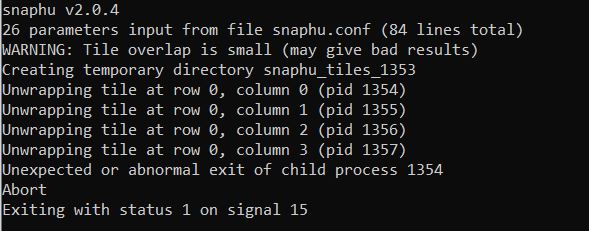
When I want to use SNAPHU, an error occurred. I read all the previous topics in this forum; however, I am unable to solve the problem.
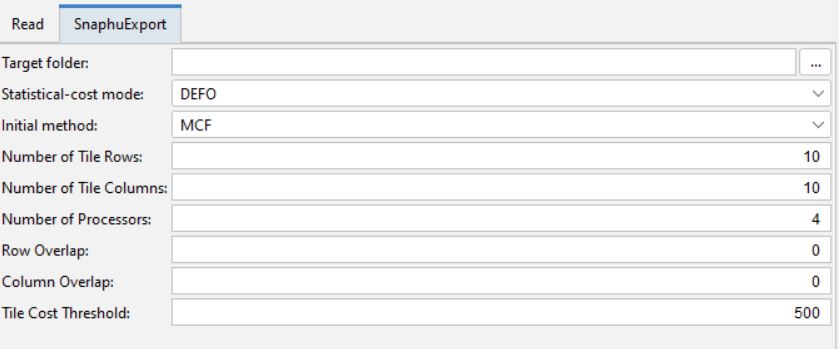
I used Snaphu Export function. In snaphu folder, 6 files were created. When I want to unwrap, I see the error.
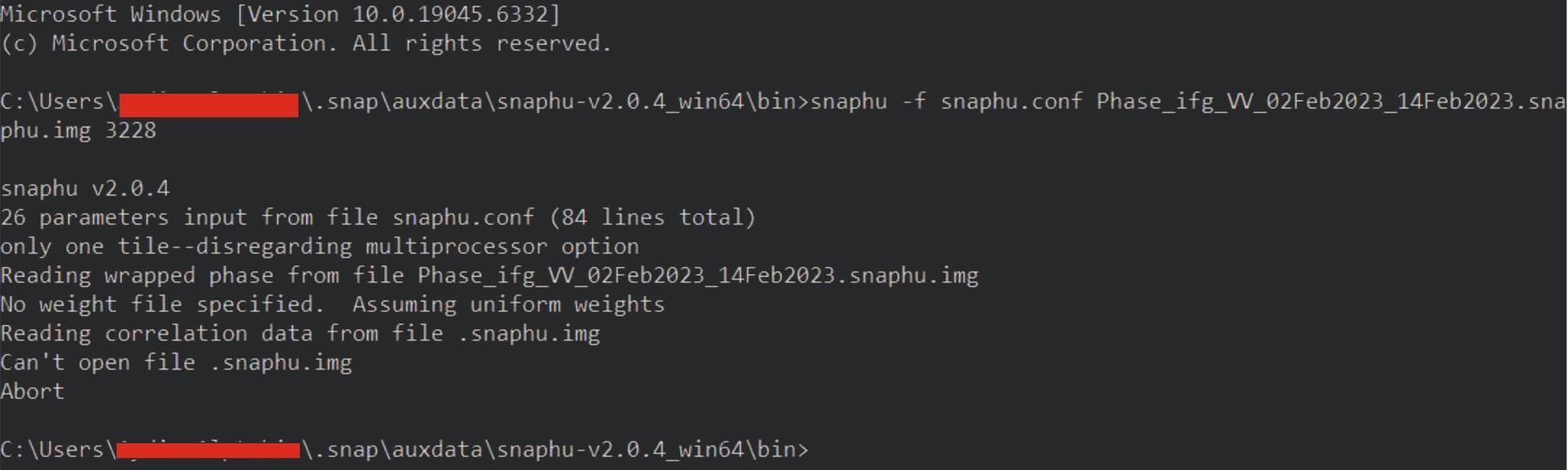
can’t open file .snaphu.img
Firstly, I used snaphu 1.4.2. Then I used snaphu 2.0.4. I see the same error.
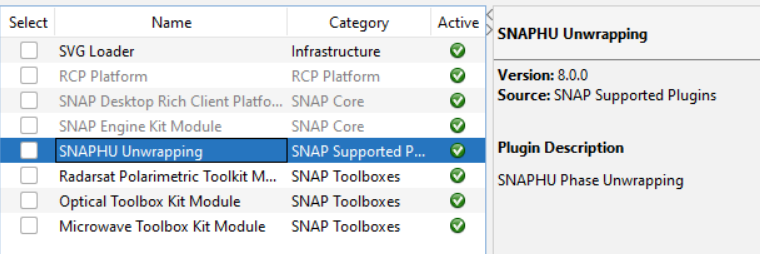
The plugin and the bundle have been installed.
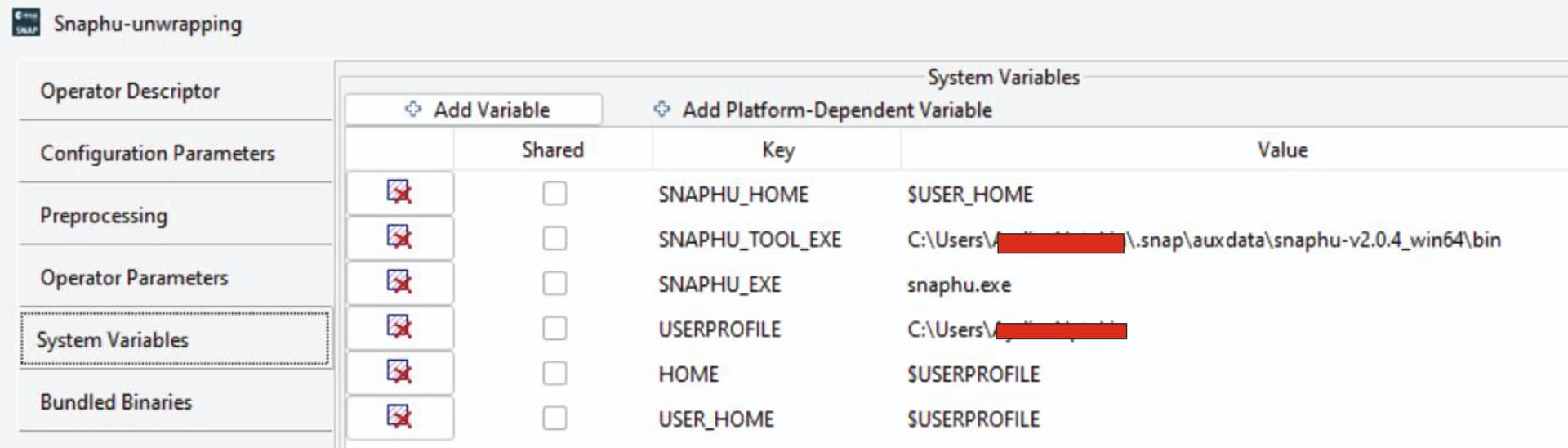
In system properties, Environmental Variables, the path folder has been edited.
I used SNAP 8 and SNAP 12. No change.
I watched too many Youtube videos. I read too many tutorials. I did what were suggested.
Make sure your .snaphu.img file has the exact name and path expected by the SNAP workflow — it must be in the same folder as the other export files, and not renamed. Run SNAP as Administrator and ensure the full path to SNAPHU is set in the system PATH (not just the folder) — sometimes Windows blocks access silently without elevated permissions.
All 6 files are in this folder and not renamed. I run SNAP administrator.
Radar …Interferometric…Unwrapping… Snaphu unwrapping
It did not work.
In the folder where snaphu installed, and the files are located, I used cmd and the result is shown in the upper picture.
Hi, I also had that problem, it only reached the wrapped phase. Snap 12 has the same problem. I installed Snap 11 and it works fine. However, I have noticed errors and processing that takes longer when opening simple images, for example, Sentinel 1 in VV polarization. After making all the corrections, it keeps loading indefinitely. However, as for InSAR, it works fine with Snap 11.