After exporting the data to stamps visualizer when i try to open the csv file in stamps visualizer the stamps visualizer window disappear.
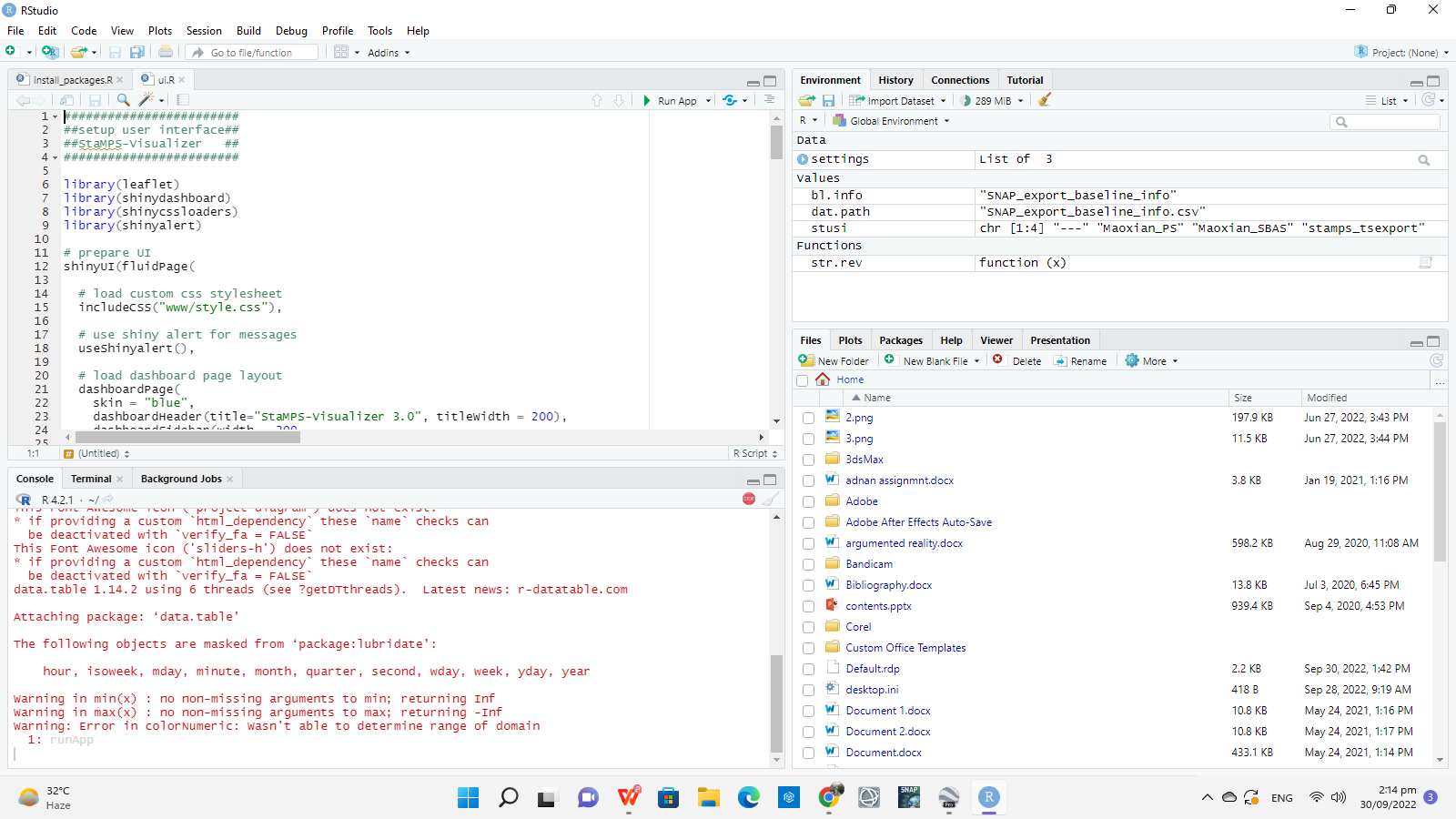
I think you are exporting a huge data set. better to create a small area CSV file and then try it.
I tried using Small area CSV still having the same problem.
Send me the screenshot.
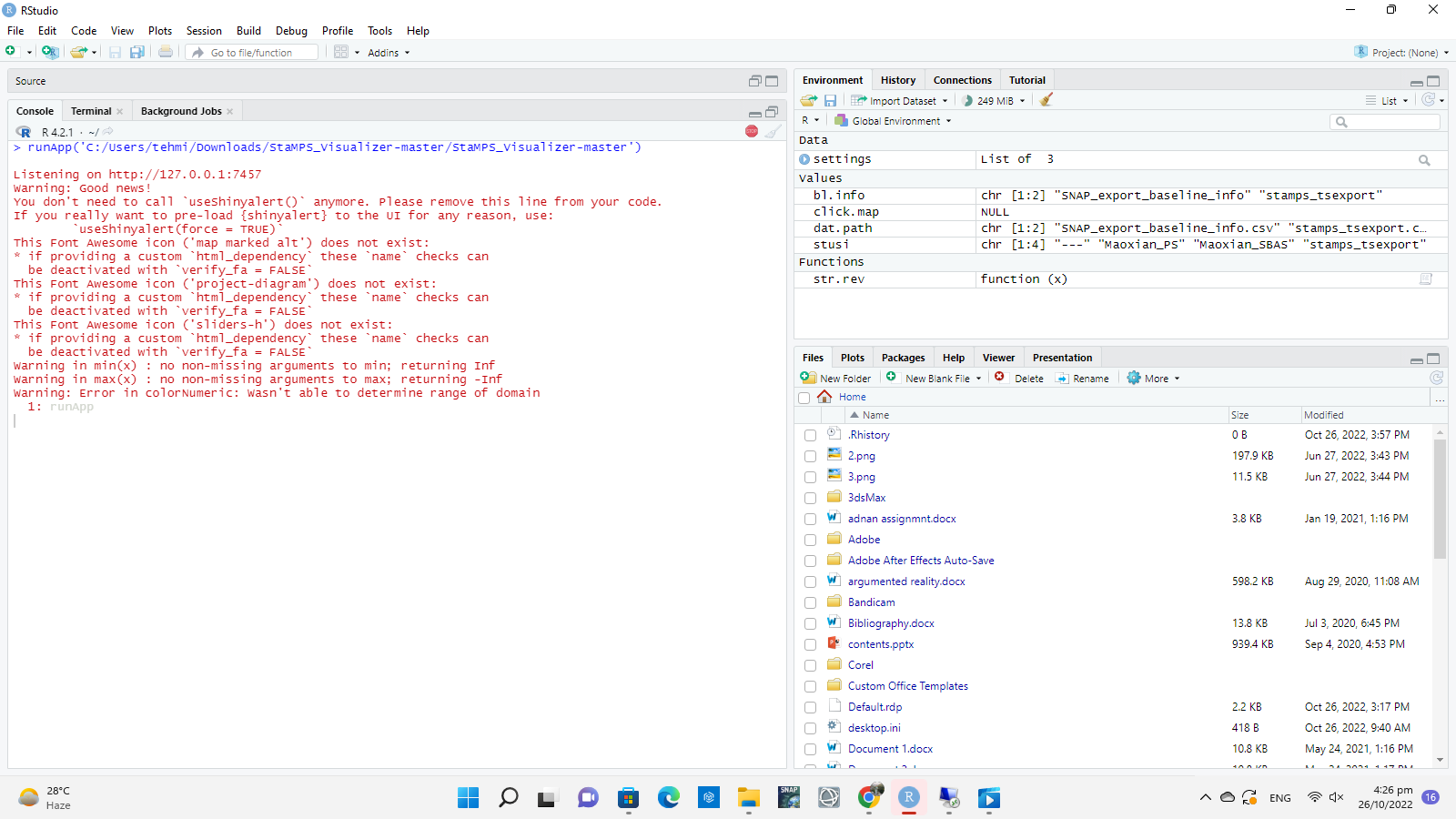
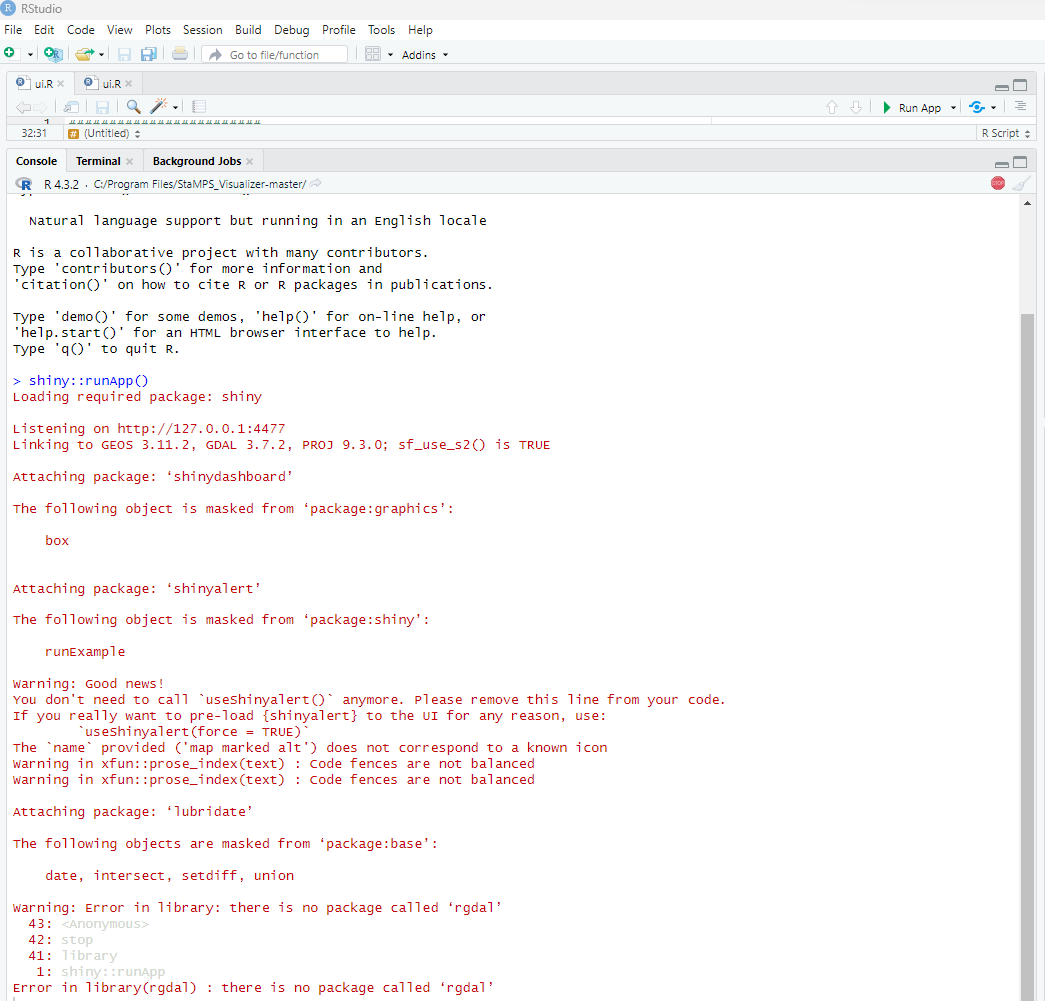
@suribabu : Dear Sir, I tried to visualize the results of PS-InSAR Stamps processing of a small area. I followed all the steps to export the data from Stamps and try to run it but the Stamps Visualizer didn’t work for me. The below is the error message. Please help be to figure out the problem. I am using R 4.3.2 and R-Studio 2023.12.1. The stamps visualizer tries to open for few second and suddenly closes.
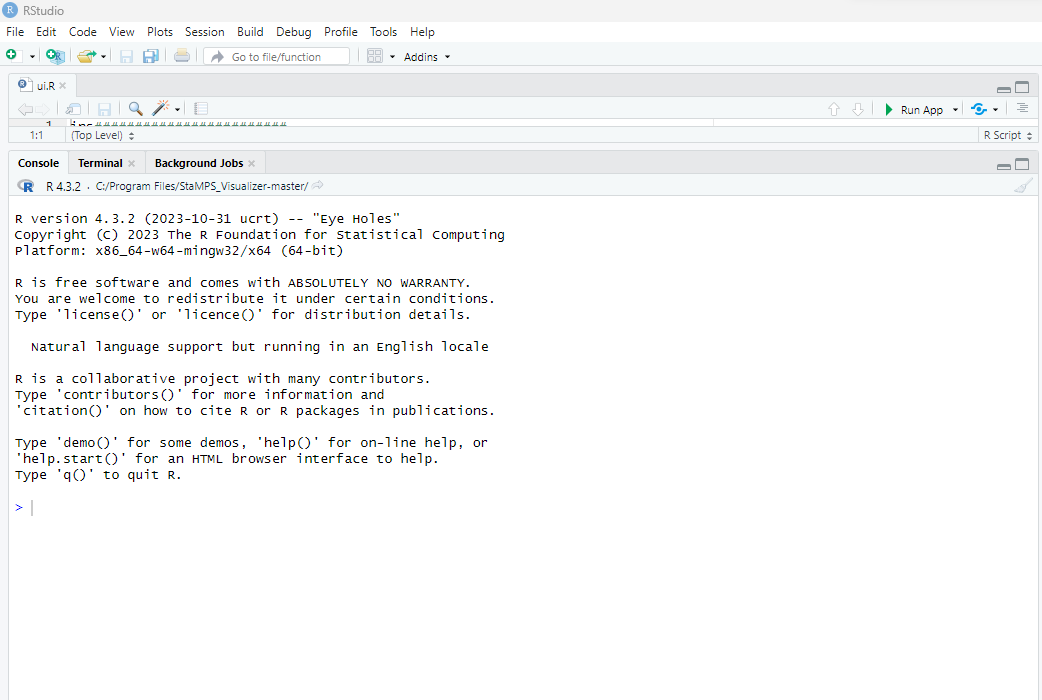
I am hoping for a suggestion to get rid out of this problem.
Try to install all libraries in R, like rgdal and etc
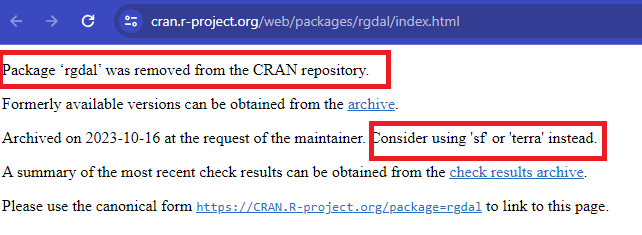
@suribabu It says rgdal is no longer in R packages. i tried to install rgdal but the error comes out as rgdal is not available for R 4.3.2. Could there be any alternative solution.
I think we have to install latest version of R for Rstudio.
@suribabu Dear Sir, I am using R 4.3.2 version and R-studio 2023.12.1. In the mean time i find that rgdal has been removed from CRAN repository. So, I tried to install “sf” but the error remains same.
Tyr to install the below commands, if not.
StaMPS_Visualizer/README.md at master · thho/StaMPS_Visualizer · GitHub
@suribabu Dear Sir I followed the steps mentioned in [https://github.com/thho/StaMPS_Visualizer/blob/master/README.md]. The below is the screenshot of my execution.
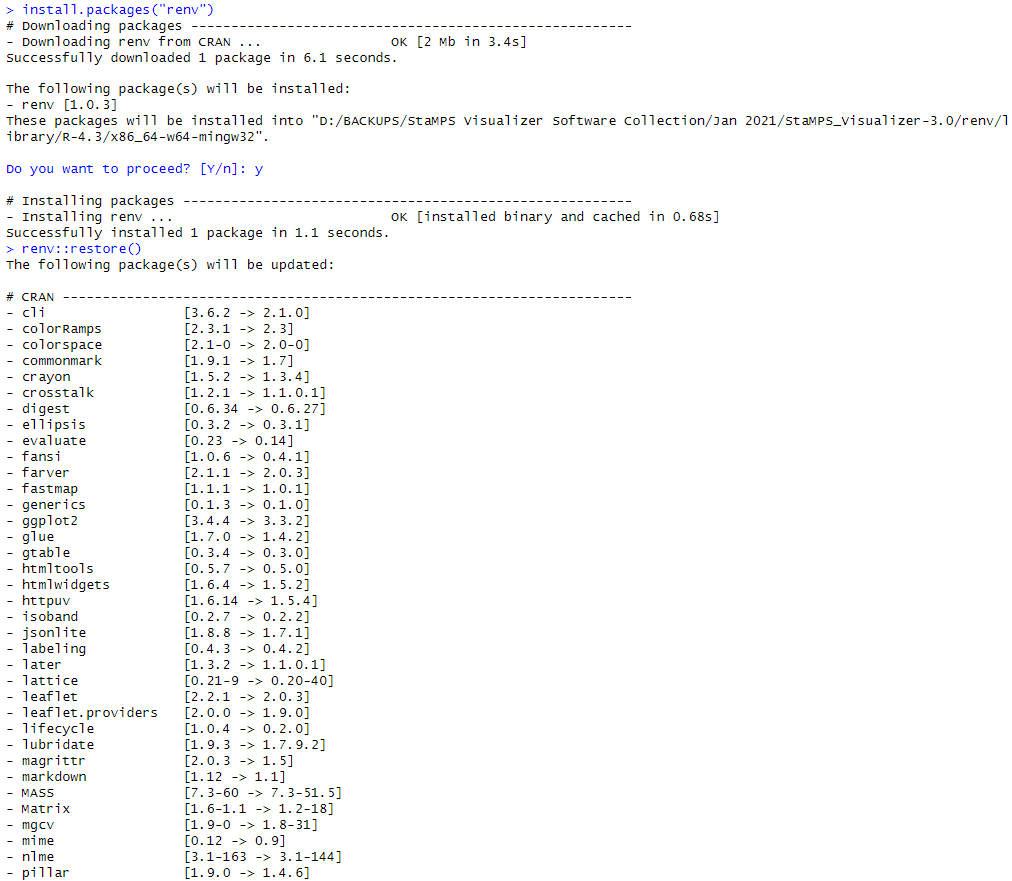
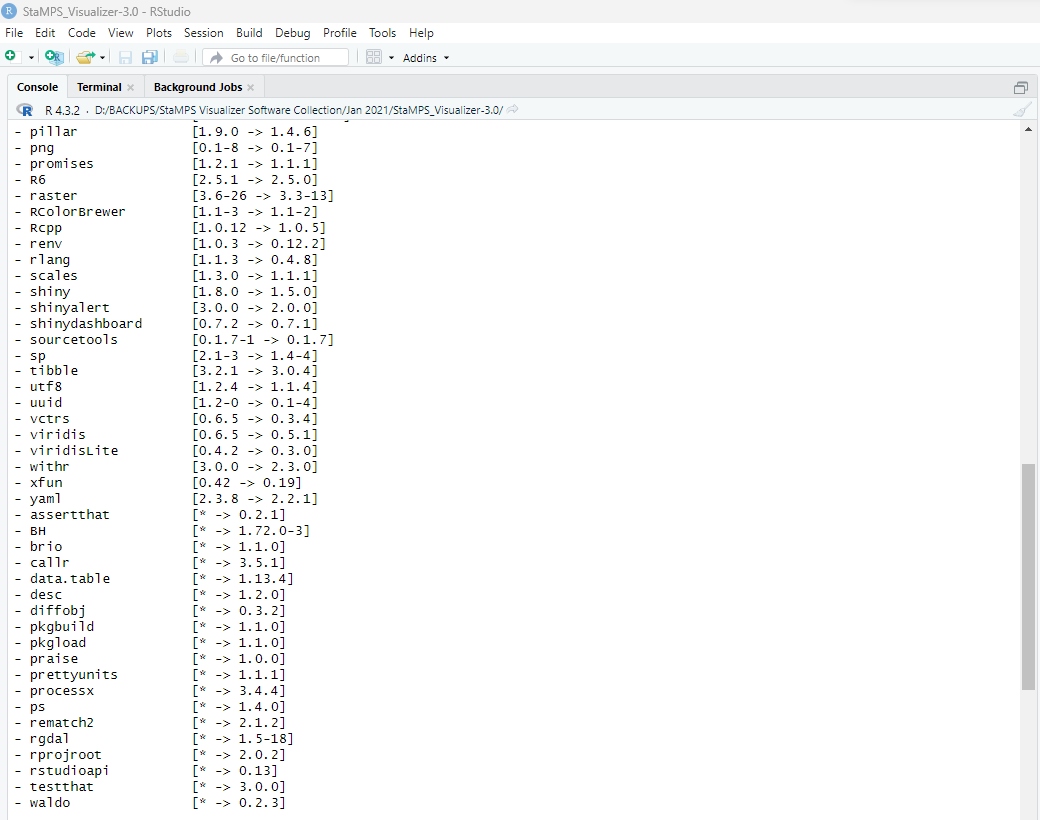
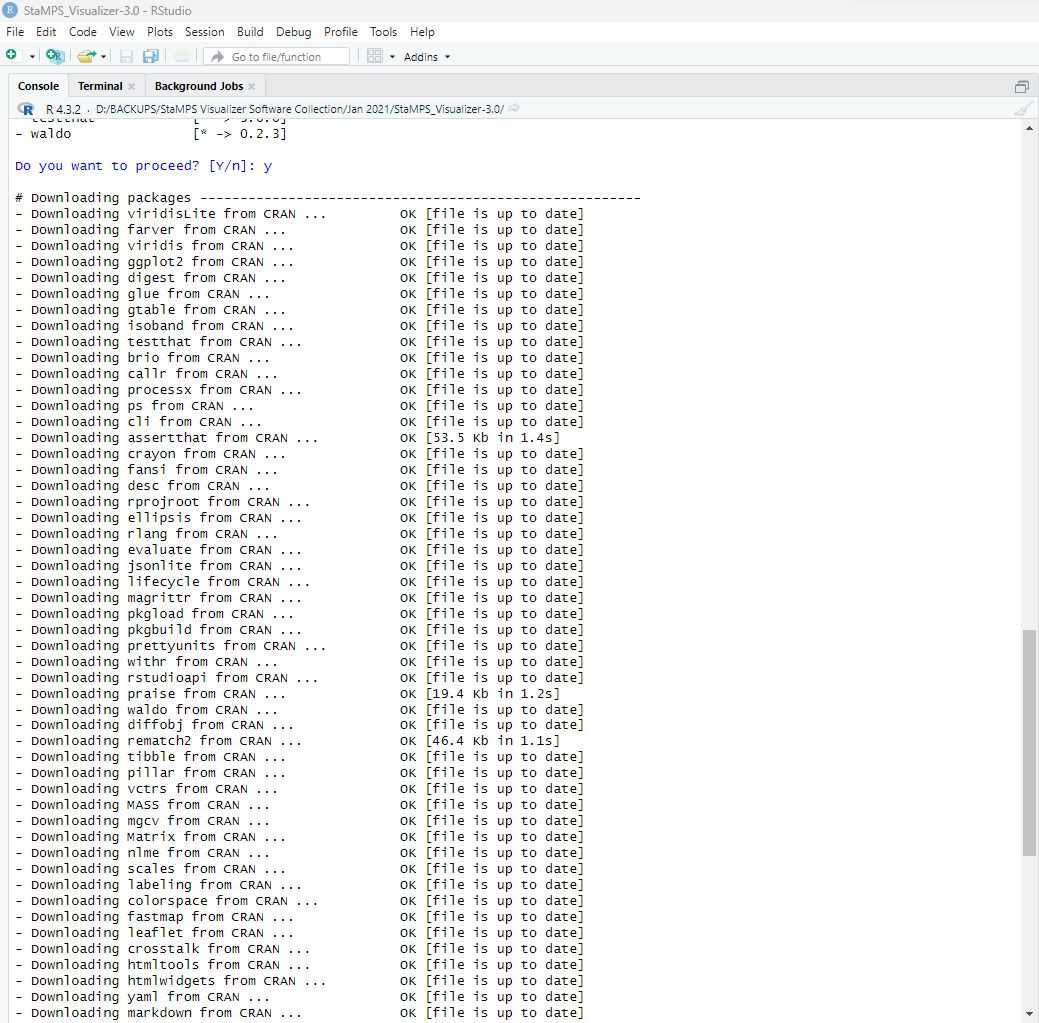
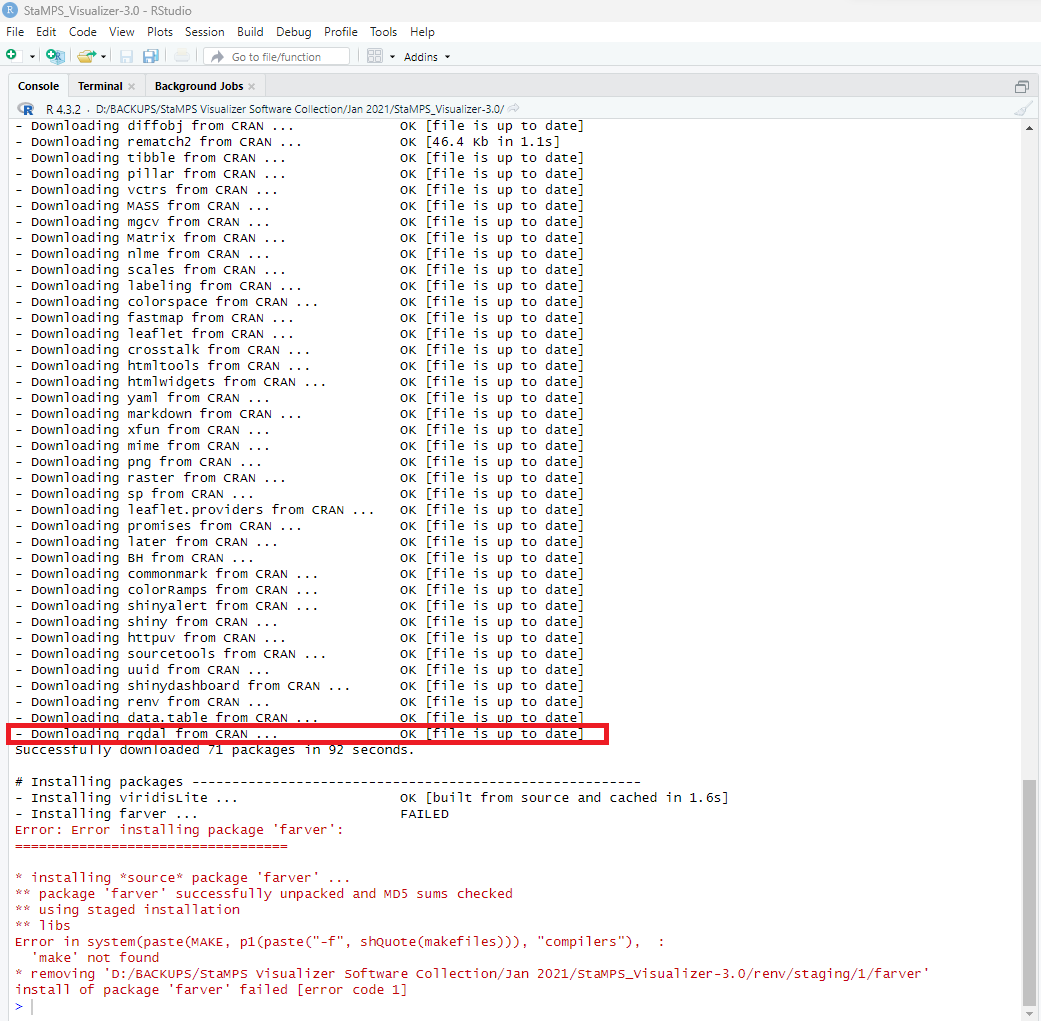
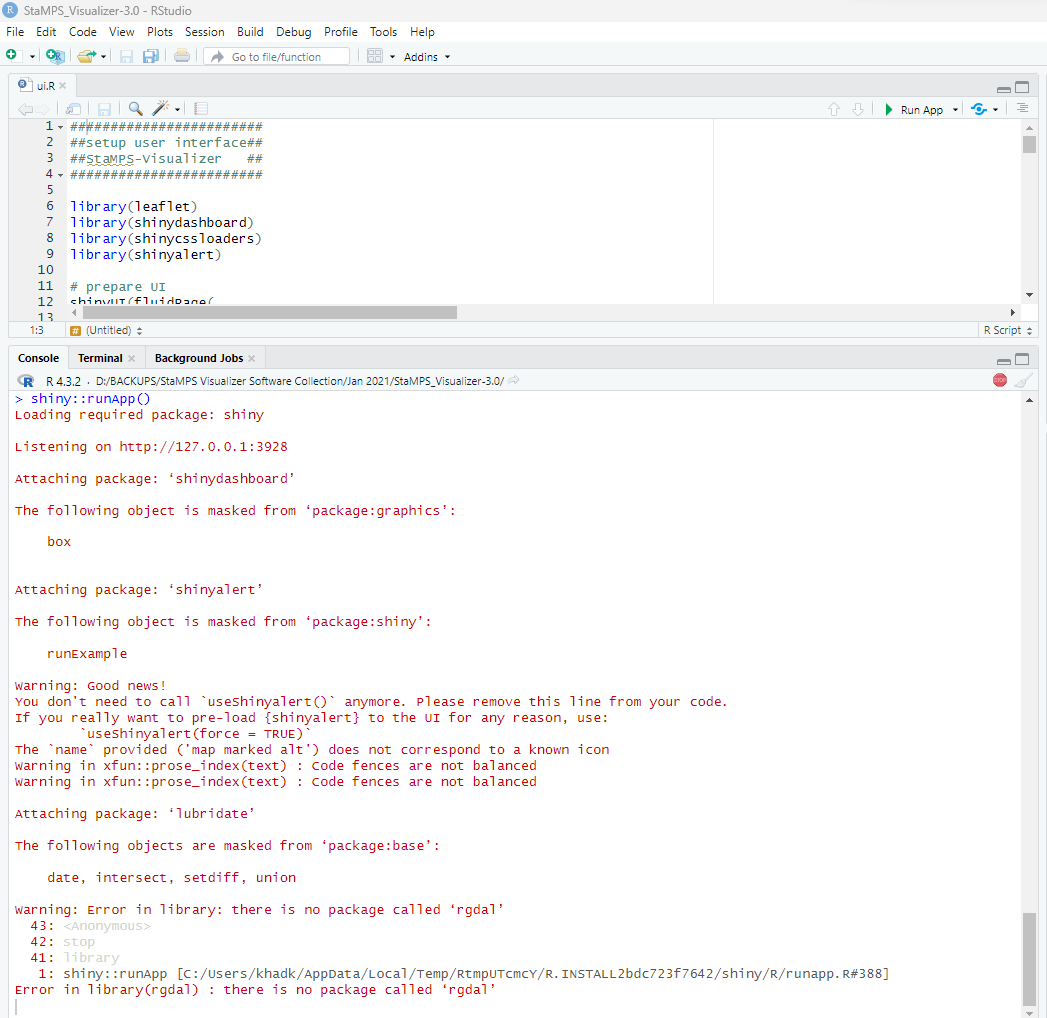
But still the error persists. I don’t know why the error is repetating.
Dear Sir. Did u find any way to fix your problem? I am having the same right now.
If you guys are still figuring it out. I was able to fix using this
1. Start by setting your working directory to the project root
setwd(“C:/Users/account/Desktop/THESIS/StaMPS_Visualizer-master”)
2. Set the CRAN repository to the archive link you provided
This is crucial for R 3.6.1 as newer packages on the main CRAN might
not be compatible or available for this older R version.
options(repos = c(CRAN = “Index of /bin/windows/contrib/3.6”))
3. Try to explicitly install the renv version required by the project
If renv is already loaded, you might need to restart R after this step
before proceeding with renv::restore().
install.packages(“renv”, version = “0.12.2”, repos = “https://cran-archive.r-project.org/”)
After installation, RESTART YOUR R SESSION/RStudio.
If RStudio auto-loads the wrong renv, you might need to close and reopen the project.
Once restarted and in the project, renv should now report that it’s using 0.12.2.
If you still get the renv 1.1.4 loaded message, try this after restarting:
.rs.restartR() # If in RStudio
4. Modify R’s Makeconf to enable C++11 compilation.
This is a critical step for solving the ‘digest’ compilation error.
You need to do this OUTSIDE of R, by manually editing a file.
A. Locate your R’s Makeconf file:
It’s usually found at: C:\Program Files\R\R-3.6.1\etc\x64\Makeconf
B. Open Makeconf with a text editor (like Notepad++ or VS Code)
You MUST run the text editor as ADMINISTRATOR to save changes.
C. Find the CXXFLAGS line (or similar that affects C++ compilation).
It might look something like:
CXXFLAGS = -O2 -Wall
D. Modify it to include the C++11 flag:
CXXFLAGS = -O2 -Wall -std=c++11
Or, if that doesn’t work, try:
CXXFLAGS = -O2 -Wall -std=gnu++11
E. Save the Makeconf file.
5. Restore the project’s packages using renv
After setting the repository and potentially fixing Makeconf, run:
renv::restore()
This command will attempt to download and install all packages listed
in your ‘renv.lock’ file into your project’s local library.
The digest package should now compile correctly due to the Makeconf change.
6. Check the status
renv::status()
Hopefully, most or all packages should now show as ‘installed: y’ and ‘consistent’.
If you’re still facing issues, especially with specific packages failing to install,
try installing them individually to see the exact error:
install.packages(“packagename”) # Replace ‘packagename’ with the problematic package
Dear @thho, While installing the rgdal I’m getting the below error.
In file included from OGR_write.cpp:11:
rgdal.h:15:10: fatal error: sp.h: No such file or directory
15 | #include “sp.h”
| ^~~~~~
compilation terminated.
make: *** [/usr/local/lib/R/etc/Makeconf:178: OGR_write.o] Error 1
ERROR: compilation failed for package ‘rgdal’
- removing ‘/home/new/R/x86_64-pc-linux-gnu-library/4.2/rgdal’
Warning message:
In install.packages(“https://cran.r-project.org/src/contrib/Archive/rgdal/rgdal_1.6-7.tar.gz”, :
installation of package ‘/tmp/RtmpMpLrl7/downloaded_packages/rgdal_1.6-7.tar.gz’ had non-zero exit status
Dear @thho
StaMPS-Visualizer code not working due to rgdal and etc. So kindly provide solution to run this code.
1 Like